
| 1. Login to your account using the username and password provided. | |
| 2. Hover over the Fleet Management tab and Click on Aircraft Centre Tab. |  |
| 3. Scroll down and select record (i.e., Aircraft tail name, Aircraft MSN) you wish to view. | 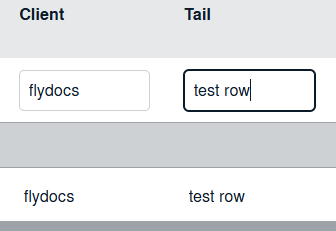 |
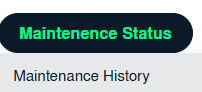
| 4. Hover over the Maintenance Status button and Click on the Maintenance History button. It will open new window. NOTE: the Maintenance Status button will become active once an aircraft record has been selected. |
 |