
How do I activate Statement option for a row in Delivery Bible?
| 1. Login to your account using the username and password provided. | |
| 2. Hover over the Fleet Management tab then Hover over the Engine Centre tab and Click on the Engine Fleet Status tab. |  |
| 3. Select any row from the grid. The row will become highlighted once selected. | 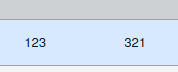 |
| 4. Hover over Current Status drop down. |  |
| 5. Click on the Engine Delivery Bible/Engine Delivery Binder/Engine Records Library/Engine Tech Link. | 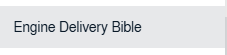 |
| 6. Right Click on the row and Click on the Statement Options. | 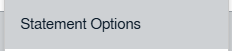 |
| 7. Select the Statement option to Yes and Set the Path by selecting values from drop-down. | 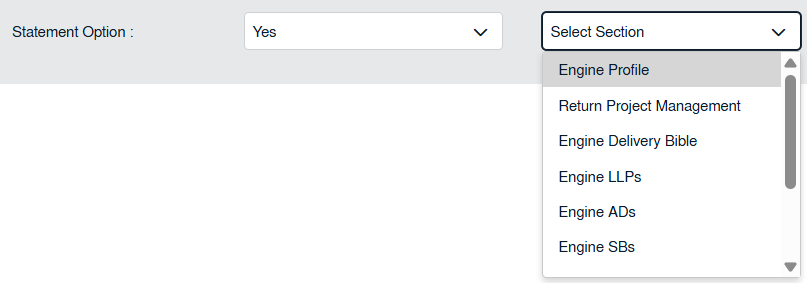 |
| 8. Click on the SAVE button. |  |