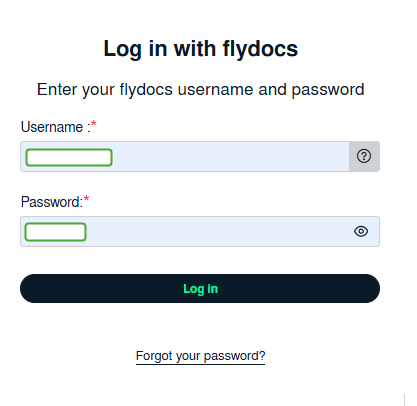
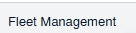
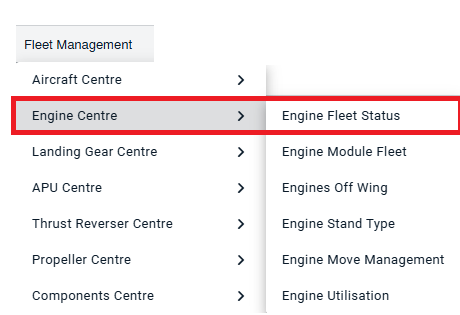
How do I add, edit and delete engines in the Engine Centre? How do I add new engine? 1. Login to your account using the username and password provided. 2. Hover over on the Fleet Management tab. 3. Click on the Engine Centre tab. 4.Click on Engine Fleet Status tab. 5. Click on the ADD button on the right side of the page. 6. Select and input all of the required fields and Click on the SAVE button to add. How do I edit engine? 1. Login to your account using the username and password provided. 2. Hover over on the Fleet Management tab. 3. Click on the Engine Centre tab. 4. Click on Engine Fleet Status tab. 5. Select the record that you want to edit. 6. Click on EDIT button and Modify any of the required fields 7. Click on the SAVE button to update any changes made. How do I delete engine? 1. Login to your account using the username and password provided. 2. Hover over on the Fleet Management tab. 3. Click on the Engin Centre tab. 4. Click on Engine Fleet Status tab. 5. Select the record that you want to delete. 6. Click on the ARCHIVE button.