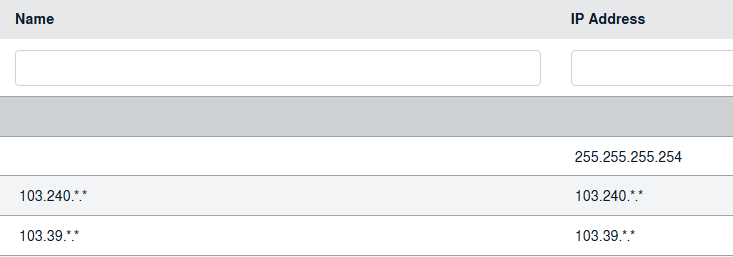
How do I add, edit and delete IP Access?
|
How Do I Add New IP Access? |
|
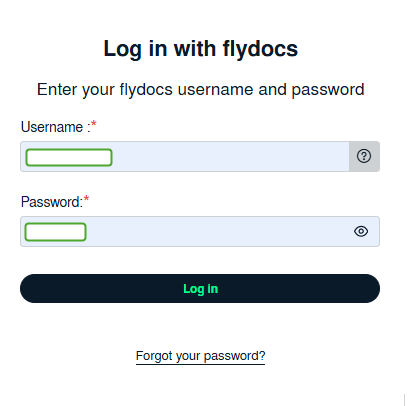
| 1. Login to your account using the username and password provided. | ![]() |
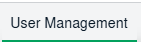
| 2. Click on the User Management tab. | |
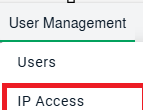
| 3. Click on the IP Access tab. |
|
| 4. Click on the Add button on the right side of the page. | ![]() |
| 5. Select and input all of the required fields and Click on the Save button to add. | ![]() |
|
How Do I Edit IP Access? |
|
| 1. Login to your account using the username and password provided. | ![]() |
| 2. Click on the User Management tab. | |
| 3. Click on the IP Access tab. | ![]() |
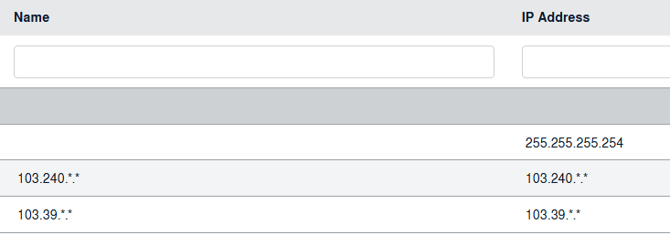
| 4. Select the record that you want to edit. | ![]() |
| 5. Click on the Edit button and Modify any of the required fields | ![]() |
| 6. Click on the Save button to update any changes made. | ![]() |
|
How Do I Delete IP Access? |
|
| 1. Login to your account using the username and password provided. | ![]() |
| 2. Click on the Users tab. | |
| 3. Click on the IP Access tab. | ![]() |
| 4. Select the record that you want to delete. | ![]() |
| 5. Click on the Delete button on the right-hand side of the page. | ![]() |
Note:- If you do not see this option appear it is due to access restrictions for your user account. please contact an administrator.


