
How do I change the priority of a row in current status?
| 1. Login to your account using the username and password provided. | |
| 2. Hover over the Fleet Management tab and click on Engine Centre option. | 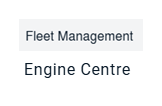 |
| 3. Click on Engine Module Fleet tab. |  |
| 4. Select the asset from the grid. | 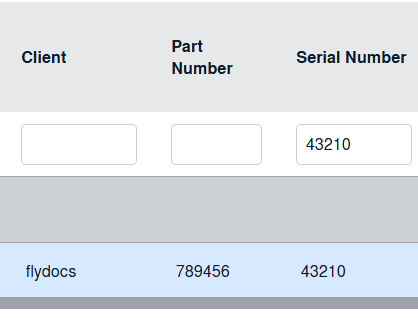 |
| 5. Hover on the Current Status and select Engine Module LLPs. | 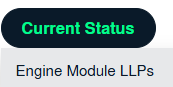 |
| 6. Go to the row for which you would like to set a priority and Select Priority from list. Note: - Full description of different priorities are given below.
|
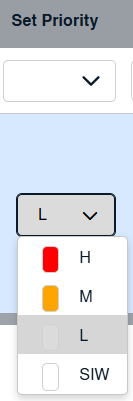 |
| 7. Once selected, at the top of the page click the 'SAVE' button. |  |
| 8. A confirmation message will appear to confirm the changes have been made. |  |