
How do I change the Work Status in Manage Internal Documentation?
|
How do I change the Work Status in Manage Internal Documentation? |
|
| 1. Login to your account using the username and password provided. | 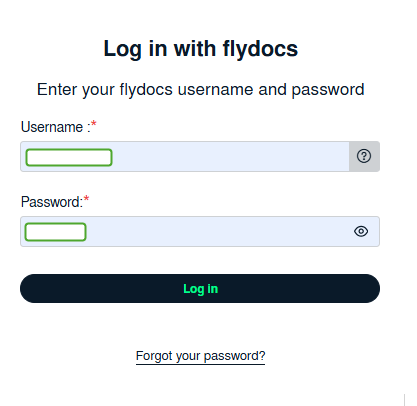 |
| 2. Hover over the Fleet Management tab. | 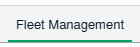 |
| 3. Click on Document management Centre in the drop-down and select Manage Internal documentation. | 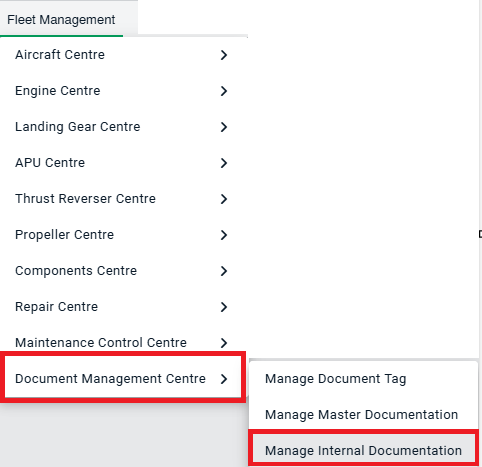 |
| 4. Select Client and Other relevant details.. |  |
| 5. Click on the VIEW button. It will open a new window. |  |
| 6. Click on the view image of the row to view inner documents. | 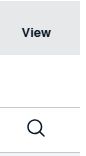 |
| 7. Select a row and right click to edit the |  |
| 8. Go to the right side at the column of 'work status' to set the status for the selected row. | 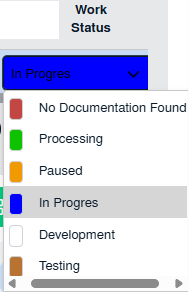 |
| 8. Go to the upside of the page on the right side and click on the Save button to save the change that you made. |  |
| 9. Getting a confirmation message popup that "Row updated successfully." |  |