
How do I edit a repair marker?
| 1. Login to your account using the username and password provided. | |
| 2. Hover over the Fleet Management then Hover over the Repair Centre tab and Click on Repair Mapper tab. | 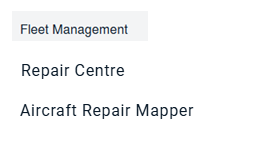 |
| 3. Select Client from List. |  |
| 4. Select Aircraft or Type. | 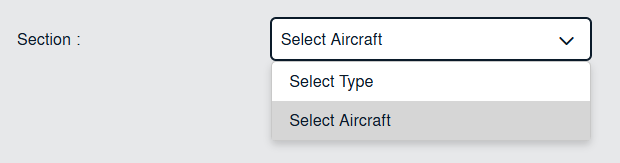 |
| 5. Select Aircraft from list. |  |
| 6. Click on LOAD button. It will open new window. |  |
| 7. Go to Aircraft Diagram window and move mapping positions and diagram as you wish. | 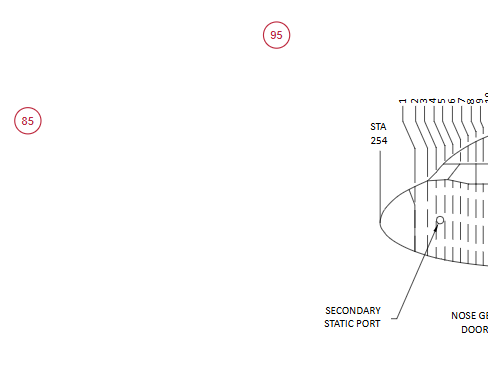 |
| 8. Click on SAVE button to save your changes. |  |