
How do I enable/disable 2-Factor Authentication for a user?
| How do I enable/disable 2-Factor Authentication for a user? | |
| 1. Login to your account using the username and password provided. | 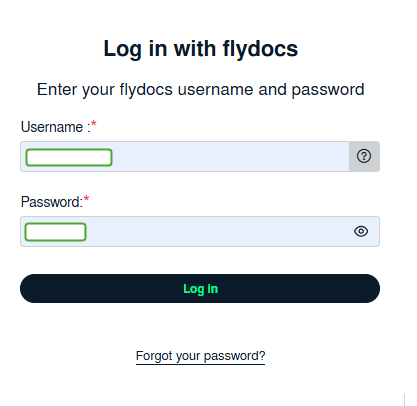 |
| 2. Hover over the User Management tab and Click on Users Tab. | 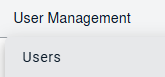 |
| 3. Click the User from the grid. The row will become highlighted once selected. | 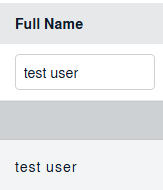 |
| 4. Click on EDIT button |  |
| 5. User will be able to find the "Two Factor Authentication:" field on the left side of the User Page. From here, user can enable/disable 2-Factor Authentication for the respective user. |
 |
| 6. Click on the SAVE button to update any changes made. |  |
| 7. It will open a pop up message. Click on OK button. |  |