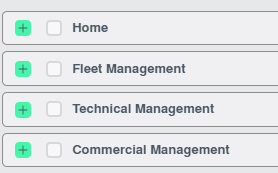
How do I give access to particular tabs? 1. Login to your account using the username and password provided. 2. Hover on the User Management tab. 3. Click on the Users tab in the drop down. 4. Go to right side of page and click on the MANAGE GROUP RIGHTS button. 5. Once Manage Group Rights page is open. Select User group whom you want to provide access. 6. In Admin Links, Click on tabs for which you want to give access. 7. Click on SAVE button.