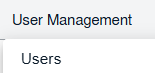
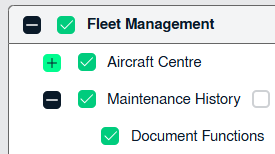
How do I give permission for Replace Document in Maintenance History 1. Login to your account using the username and password provided. 2. Hover Over the User Managementtab and Click on the Users tab. 3. Click on the MANAGE GROUP RIGHTS button. 4. Select the user group you want to give access to. 5. Click on the EDIT button. 6. Go to Fleet Management � Aircraft Centre and Tick the tick box shown in front of Document Functions. 7. Select SAVE button.