
How do I Hyperlink a row to MH in Delivery Bible?
| 1. Login to your account using the username and password provided. | |
| 2. Hover over the Fleet Management tab and Click on Aircraft Centre Tab. | 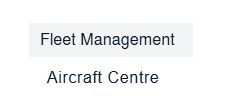 |
| 3. Select the Aircraft you would like to view by clicking on the row in the table. The row will become highlighted once selected. | 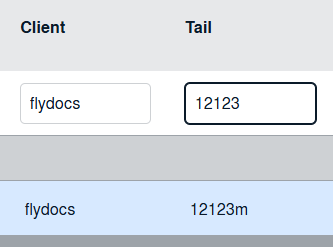 |
| 4. Hover over Current Status drop down. |  |
| 5. Hover over the Delivery Bible/Delivery Binder/Records Library/Tech Link. |  |
| 6. Click on any tab that you want to open. It will open new window. |  |
| 7. Right Click on the row you wish to Manage the Hyperlink option. It will open new window. |  |
| 8. Select Hyperlink option to Yes and Set Path for Hyperlink by selecting values from lists. |  |
| 9. Select Maintenance History option from List. | 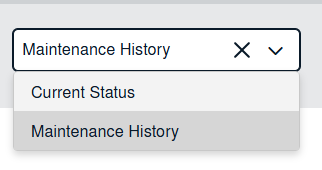 |
| 10. Select View Type and Other relevant details. | 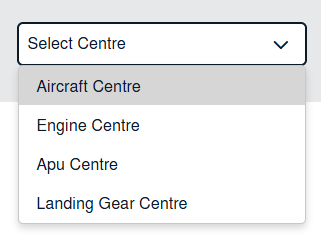 |
| 11. Click on the SAVE button. |  |