
How do I login as a Roaming Main Client User?
| 1. Go to Browser and Type URL shown in the image |  |
| 2. After that please enter your username and password. | 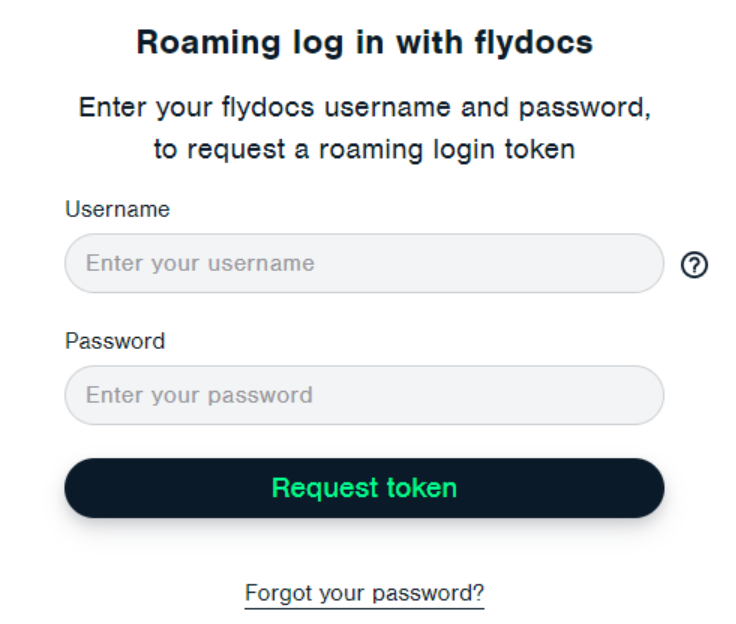 |
| 3. Click on REQUEST TOKEN button. Note: If your account is Inactive, you will get the message after clicking on Submit. Please contact Administrator. |
 |
| 4. You will receive an email for verification of your registered email ID, If you will not received an email then click on RESEND button to resend verification email. | 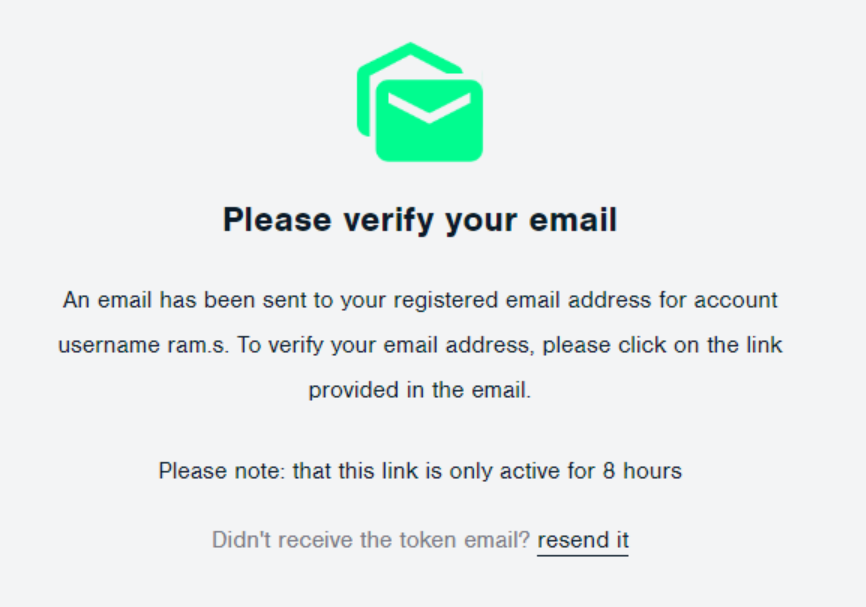 |
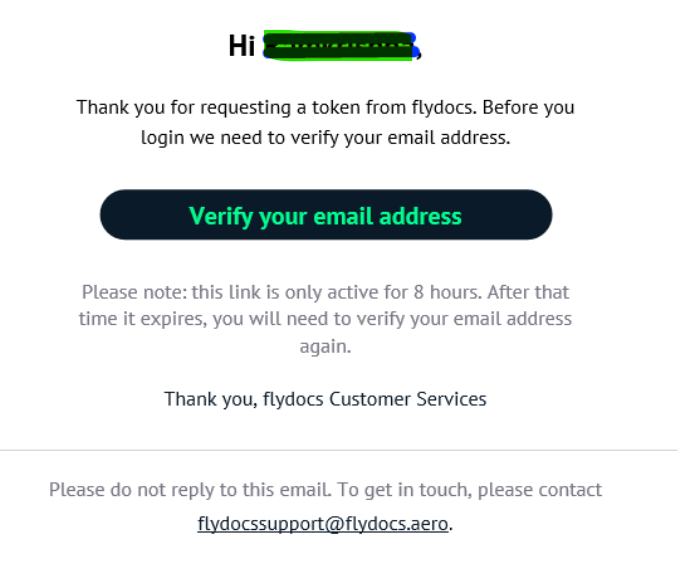
| 5. Verify your Email address by clicking on the link given in the mail. NOTE: The link will be active for 8 hours. This URL's link is shown as an example, Please do not use this link. |
 |
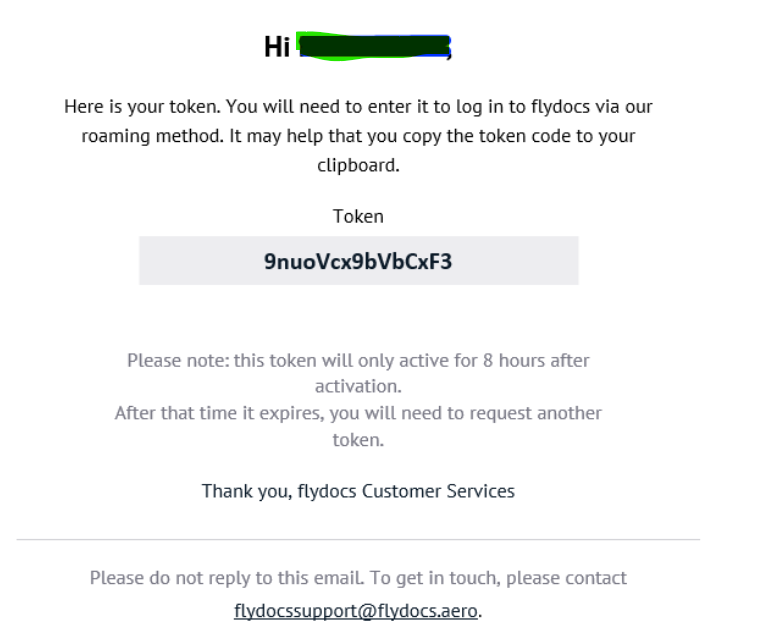
| 6. You will receive a secure token in your email account. NOTE: The token will be active for 8 hours after activation. This Token is shown as an example, Please do not use this Token. |
 |
| 7. Open that URL in the browser and fill in the details with the token number. | 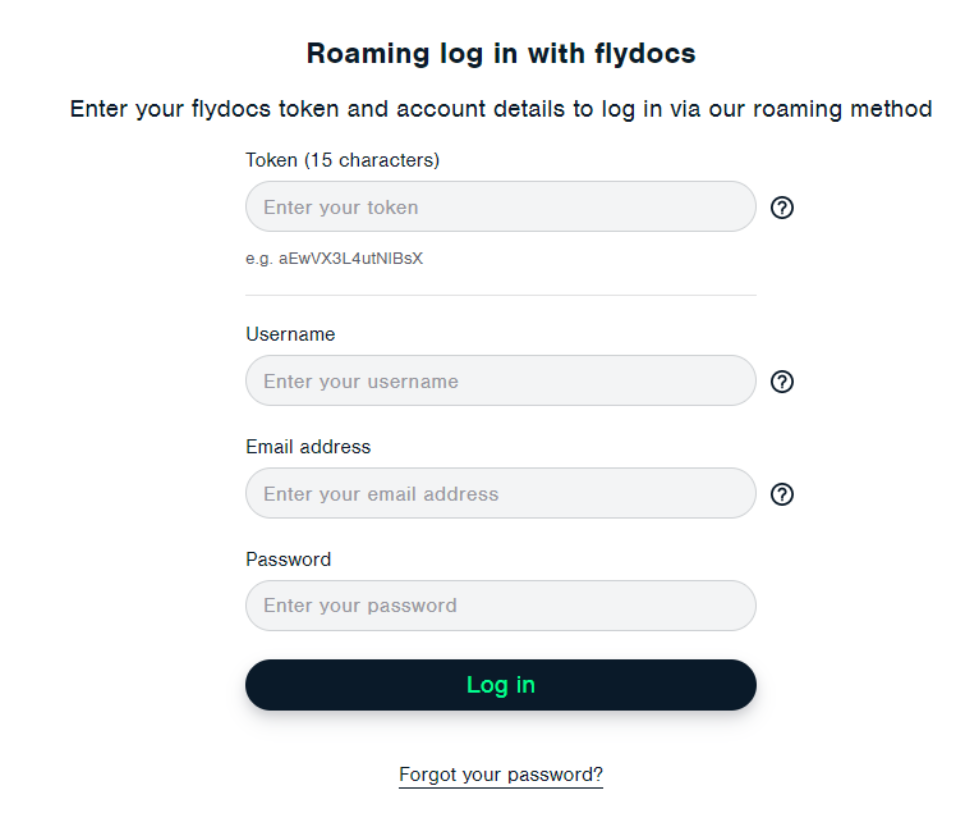 |
| 8. Click on the LOGIN button. |  |