
How do I manage Notes?
| 1. Login to your account using the username and password provided. | |
| 2. Hover over the Fleet Management tab and Click on Aircraft Centre Tab. | 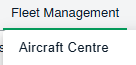 |
| 3. Select any row from grid. The row will become highlighted once selected. |  |
| 4. Hover over current status. |  |
| 5. Hover Over Return Project Management and Click on Project Management Overview from the drop down. It will open new window of Project Management Overview. |  |
| 6. Select row for which you want to view Internal Notes. It will highlighted with different color. Go to end of that row and Click on view icon. It will open new window. |  |
| 7. Go to Internal Notes section where you can view Internal Notes assigned to you. | 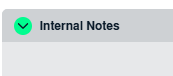 |
| 8. ADD notes, Go to the bottom of the page for "Internal Notes" select the required user(s) from the selection box, then below the selection boxes, type of note. | 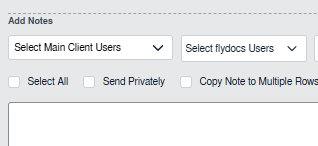 |