
Skip to content
English - United Kingdom
  • There are no suggestions because the search field is empty.

How do I manage user account blocked in User?

How do I manage user account blocked in User? 

 
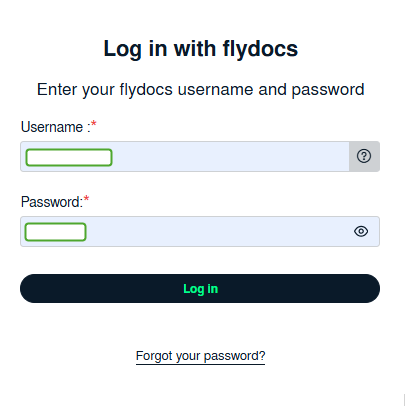
1. Login to your account using the username and password provided.
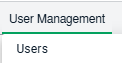
2. Hover Over the User Management tab and Click on the Users tab.
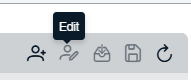
3. Select the user and click on the EDIT button on the right-hand side of the page.
4. Select required option.
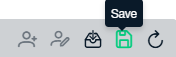
5. Click on the SAVE button.
6. It will show you Popup window. Click on the OK button.

Note:- If you do not see this option appear it is due to access restrictions for your user account. please contact an administrator.
