
How do I merge boxes/folders?
|
How do I merge boxes/folders? |
|
| 1. Login to your account using the username and password provided. | 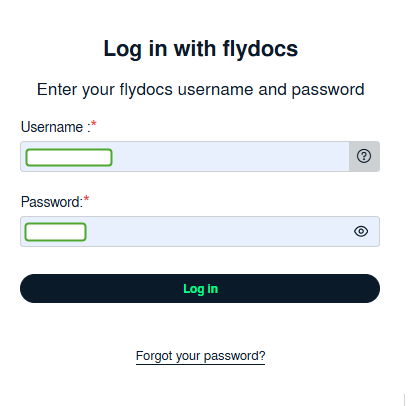 |
| 2. Hover over the Fleet Management tab and Click on the APU Centre Tab. | 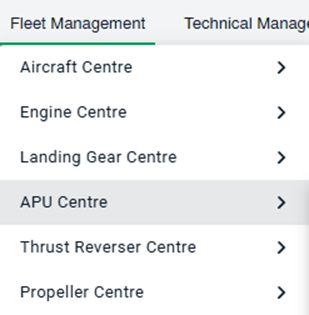 |
| 3. Select the APU you would like to view by clicking on the row in the table. The row will become highlighted once selected. |  |
| 4. Hover over the Maintenance Status button and Click on the APU History button. It will open new window. NOTE: The Maintenance Status button will become active once an APU record has been selected. |
 |
| 5. To Merge two or more Boxes/Folders scroll down to the Boxes/Folder to be selected and tick the box labelled Manage Documents. | 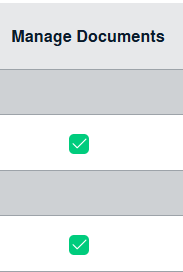 |
| 6. Click on the Manage Documents icon. |  |
| 7. Scroll down the list and select the Merge function. |  |
| 8. If you want to name the folder then you can enter the folder name and click on merge. |  |