
| 1. Login to your account using the username and password provided. | |
| 2. Hover over the Fleet Management tab and click on Engine Centre option. | 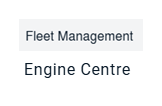 |
| 3. Click on Engine Module Fleet tab. |  |
| 4. Select the asset from the grid. | 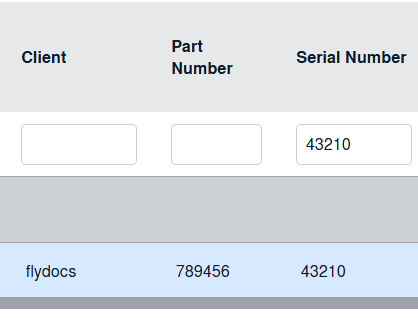 |
| 5. Hover on the Current Status and select Engine Module LLPs. | 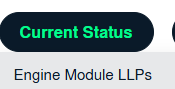 |
| 6. Once new window is open, go to end of the record that you want to access and Click on the view icon. It will open a new window. |  |
| 7. Click on get multiple PDF URL icon. | 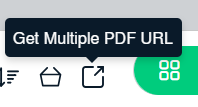 |
| 8. It will open popup below that icon. You can copy URL to clipboard or you can directly mail this URL. | 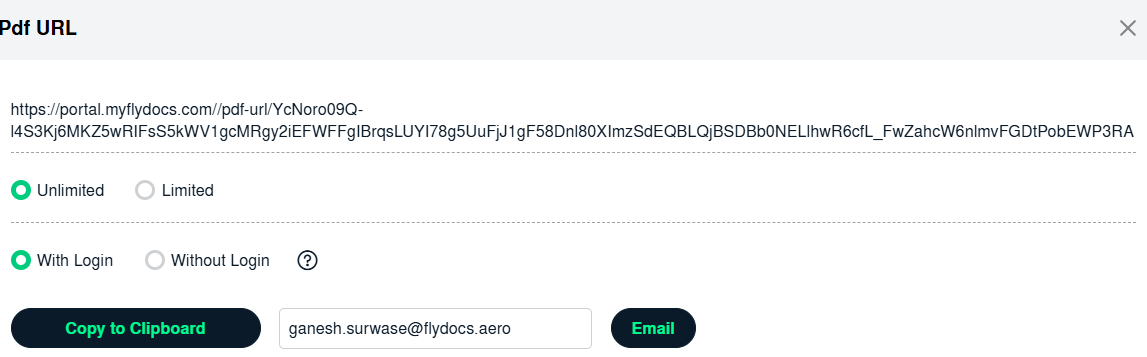 |
| 9. The expiry of the URLs can also be managed by the below options. Note : If "Limited" is selected, you will have option to enter no. of days the link should be valid for. We can enter Minimum 1 day or Maximum 99 days. |
 |
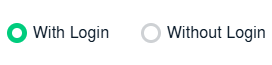
| 10. We have two more options to secure the generated URL. 1. With Login: The receiver needs to have a login of FLYdocs to access the URL. 2. Without Login: The URL will be accessible to all without any need of logging into FLYdocs. |
 |
| 11. You will have option to add the Email ID to send the Document Group link directly to that particular Mail ID. |  |