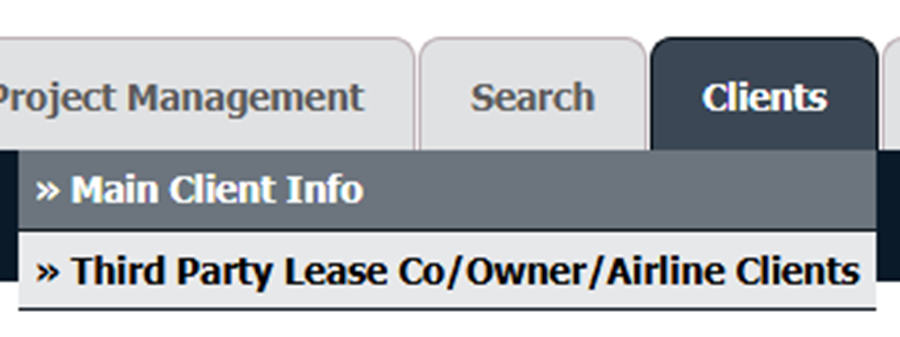
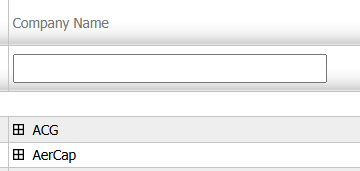
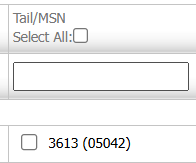
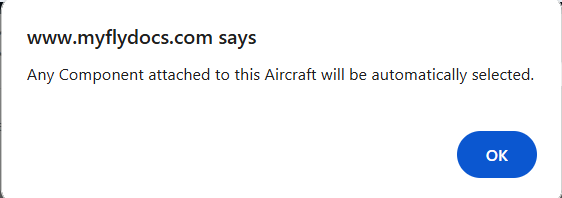
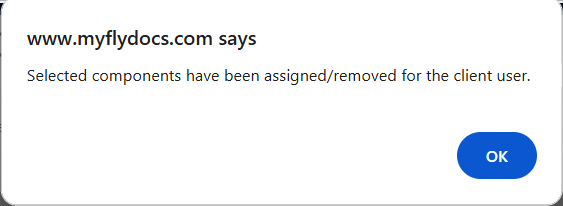
How do I provide access of assets to Third party user? 1.Login to your account using the username and password provided. 2. Hover Over the Clients tab and Click on the Third Party Lease Co/Owner/Airline Clients tab. 3. Select company name from the grid. 4. Click on the MANAGE SUBUSER button on the right side of the page. It will open new window. 5. Select user from the grid. 6. Click on "LINK FOR EXTERNAL ACCESS" button. It will open new window. 7. Select External Access Type from List. 8. Select component from grid for which you want to give external access. 9. It will show you Pop up message. Click on OK button. 10. Click on SAVE button. 11. It will show you pop up message. Click on OK button.