
| 1.Login to your account using the username and password provided. | |
| 2.Hover over the Fleet Management tab and click on Aircraft Centre Tab. | 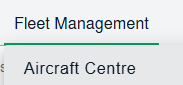 |
| 3.Scroll down and select record you wish to view. |  |
| 4.Go to the document level page | 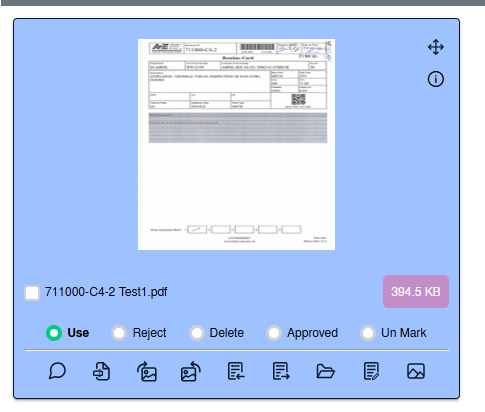 |
| 5.Go to document and click on rotation icon that give us two option that rotate document Clockwise or rotate Anti-clockwise. |  |