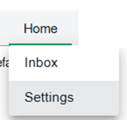
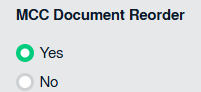
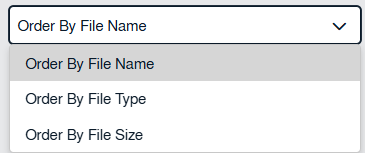
How do I set default Document order in Maintenance Control Centre from settings? 1. Login to your account using the username and password provided 2. Click on the Home tab. 3. Click on Setting tab. 4. Go to MCC Document Reorder box and click EDIT button. 5. Go to "MCC Document Reorder" 6. Change the details accordingly and then click on SAVE icon at top left corner of the page..