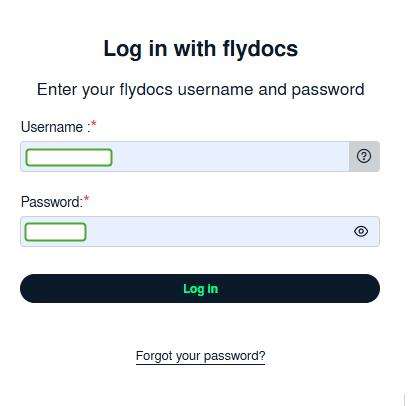
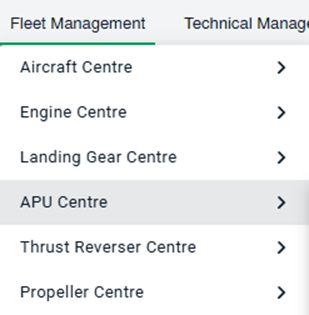
How do I set No Operator/Operator selection tagging? How do I set No Operator/Operator selection tagging? 1. Login to your account using the username and password provided. 2. Hover over the Fleet Management tab and Click on APU Centre Tab. 3. Go to grid and Click on Link To Inventory icon. It will open new window. 4. Select Select Operator Type from List. 5. Select Tag Type from List. 6. Select Box/Folder name by ticking Tickbox shown infront of it. 7. Click on SAVE button.