
How do I upload all the users in Bulk using USER BULK UPLOAD?
| 1. Login to your account using the username and password provided. | |
| 2. Hover on the Users Management tab and Click on Users sub-menu tab. | 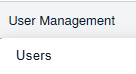 |
| 3. Click on Controls >> USER BULK UPLOAD Button. It will open a new window. |   |
| 4. In a new window, Select User Level and Client from the dropdown list. |  |
| 5. Select the file to upload. | |
| 6. Click on Upload Button to Upload document. | 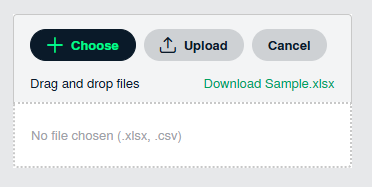 |
| 7. It will display the columns to map with uploaded columns, you can map mandatory fields. Note: All the columns should be mapped properly with respective columns Ex: First Name, Last Name, Email Address |
 |
| 8. At the right side, Click on PREVIEW or CONTINUE Button. Note: If you click on PREVIEW button, the system will show preview for uploaded users list. |
 |
| 9. Click on Continue Button to upload data |  |