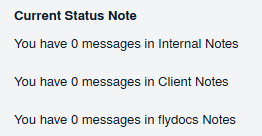
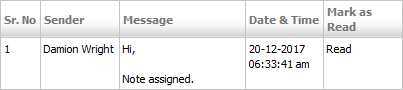
How do I view Company Messages from Inbox? How do I view Company Messages from Inbox? 1. Login to your account using the username and password provided. 2. Click on the Home tab. 3. Go to Company Messages section. Click on the text 'View'. It will open Company Messages in new window. 4. You can view Company Messages in grid.