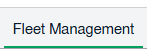
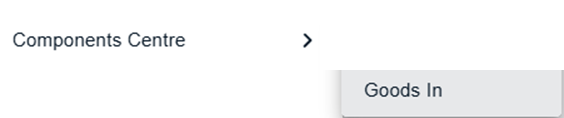
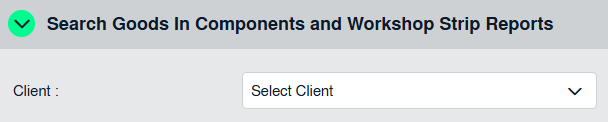
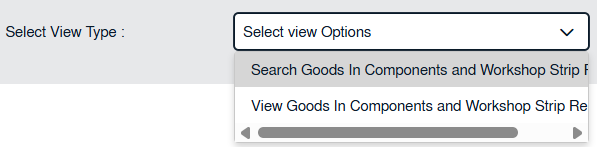
How do I view documents in the Component Centre? 1. Login to your account using the username and password provided. 2. Hover over the Fleet Management tab. 3. Hover over the Components Centre tab and click on Goods In option 4. Select client first. 5. Select view option that "View Goods In Components and Workshop Strip Reports" for search. 6. Select Year. 7. Select Month. 8. Click on New Folder icon to get documents view for selected row.