
| 1. Login to your account using the username and password provided. | |
| 2. Hover over the Fleet Management tab and Click on the Aircraft Centre Tab. | 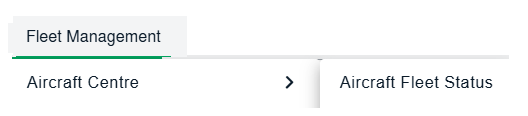 |
| 3. Scroll down and select the record you wish to view. | 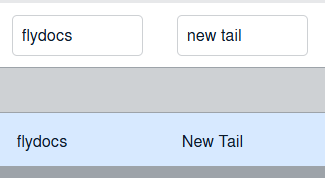 |
| 4. On above Sub Links are activated. Hover over the Sub Link that you want to open and Click on the sub menu tab that you want to open. It will open a new window. |  |
| 5. Select View Type to List View. It will load List View in the same window on document page. |  |